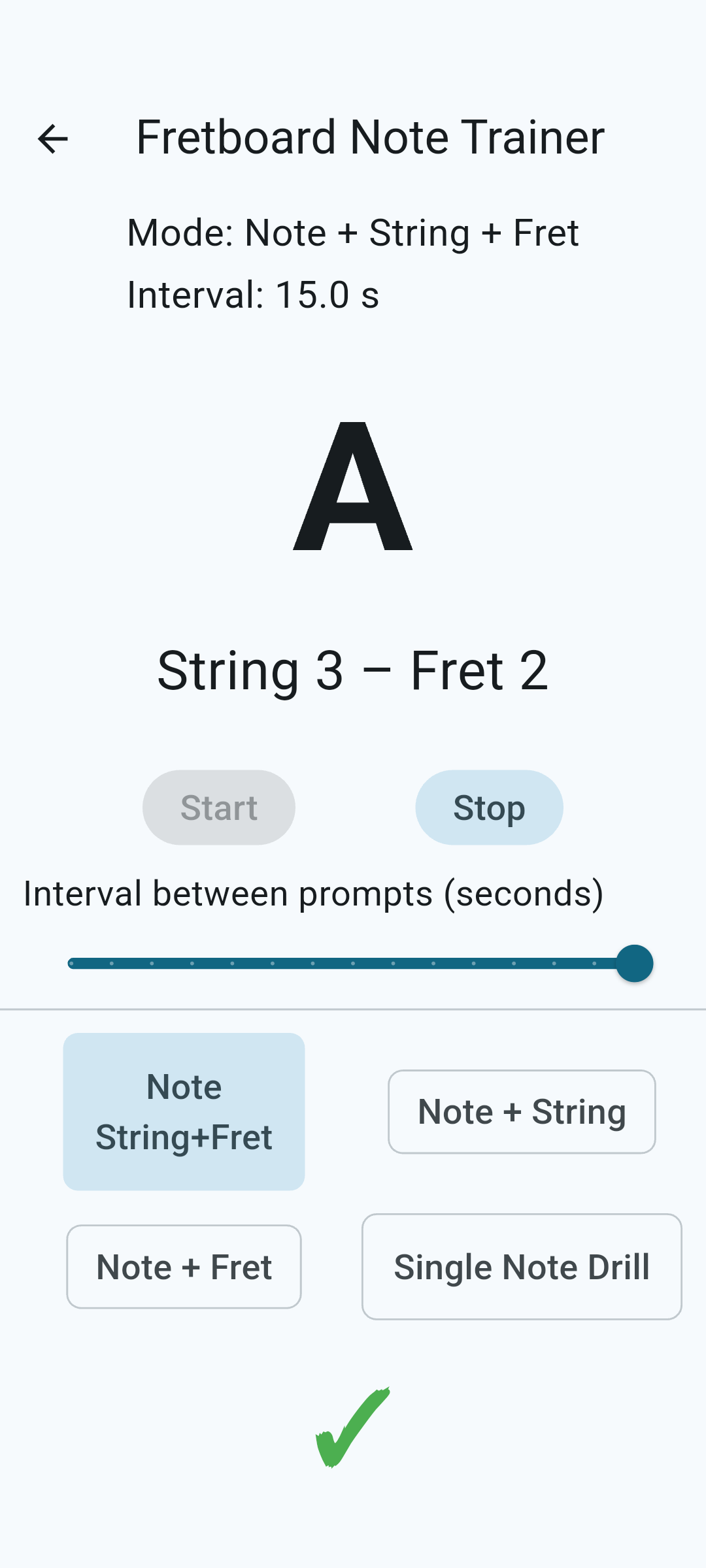
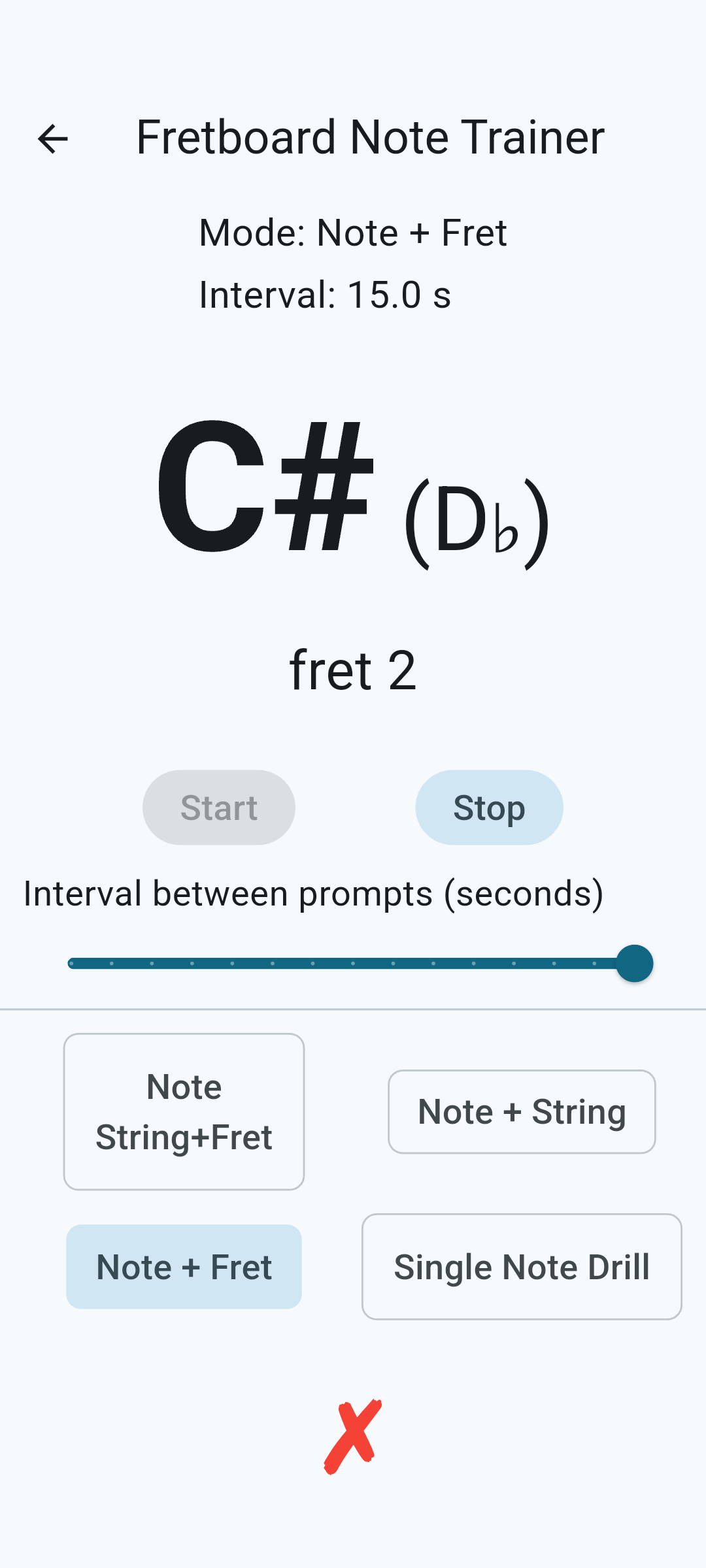
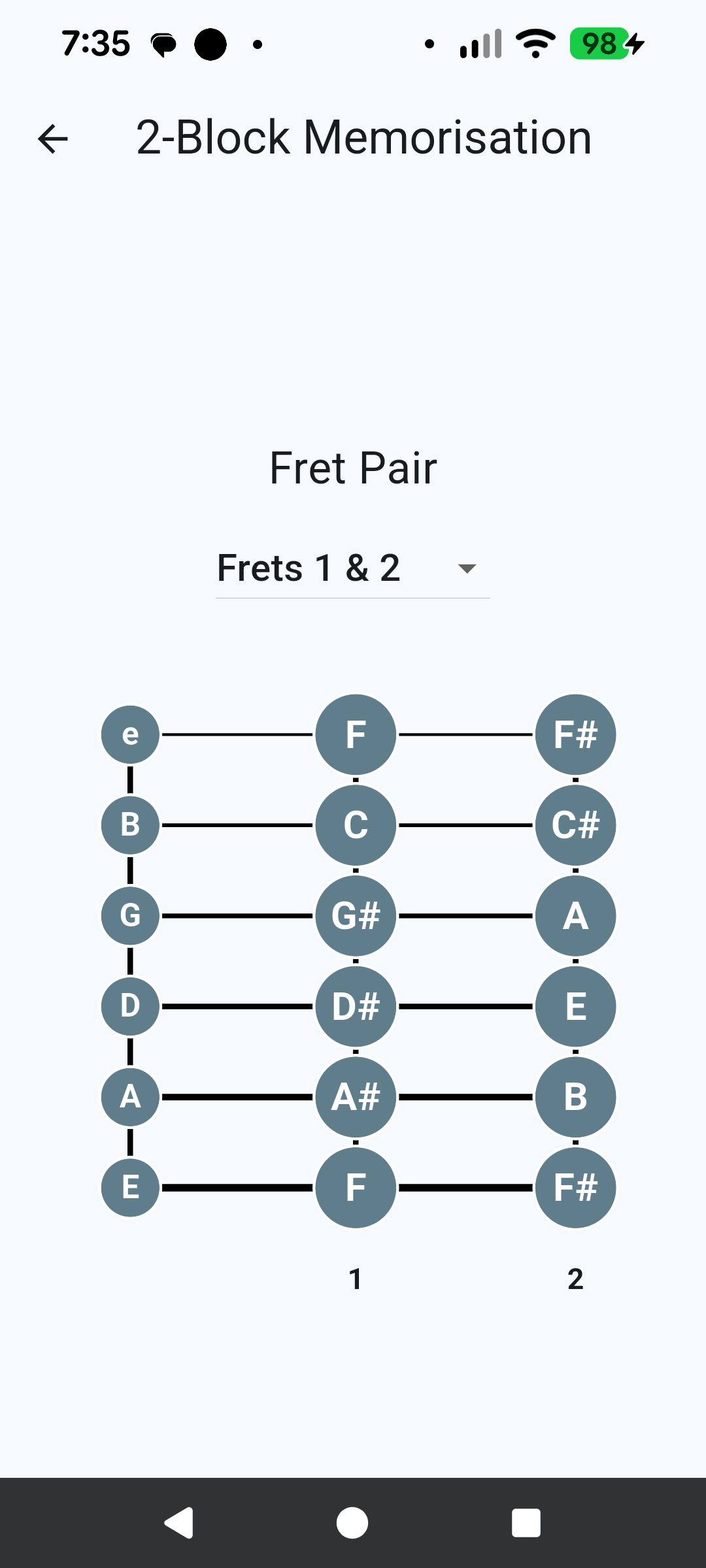
What this app helps you practise
- Recognising note names across the fretboard
- Faster note location recall
- Clearer understanding of fretboard layout
- More confident navigation between strings and frets
How it works
- Select the note set or practice mode
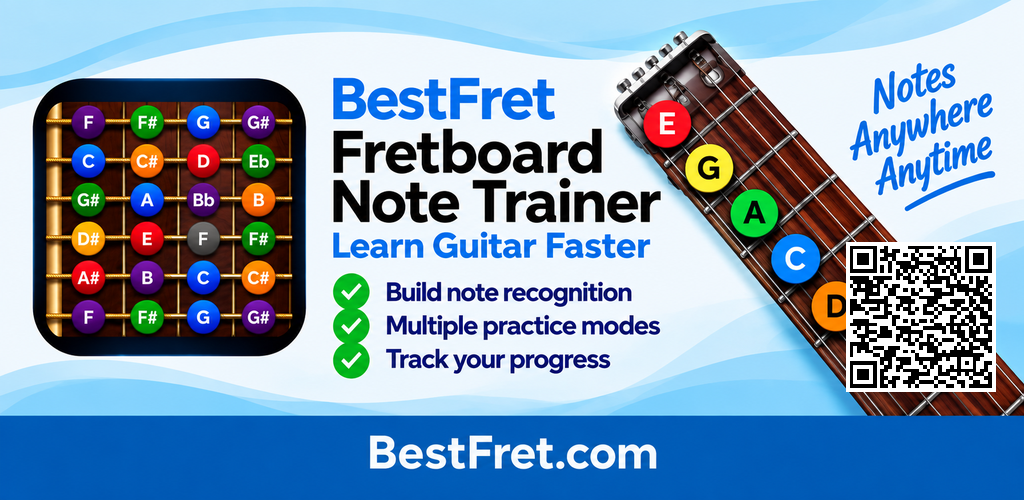
- View note positions on the fretboard
- Use repetition to reinforce note-location memory
- Build recognition speed through regular use
Key features
- Structured fretboard note practice
- Simple, visual learning format
- Designed for repeatable daily use
- Supports steady, practical improvement
Who it is for
- Beginners learning the fretboard
- Players wanting faster note recognition
- Anyone building a stronger foundation for guitar playing
How to memorise guitar fretboard notes
Fretboard note learning becomes easier when positions are recalled repeatedly rather than studied only as a diagram. Practising note names across different strings and frets helps turn slow searching into faster recognition. Regular short sessions can strengthen the link between the note name, string and fret until finding notes becomes more automatic during real playing.
BestFret learning path
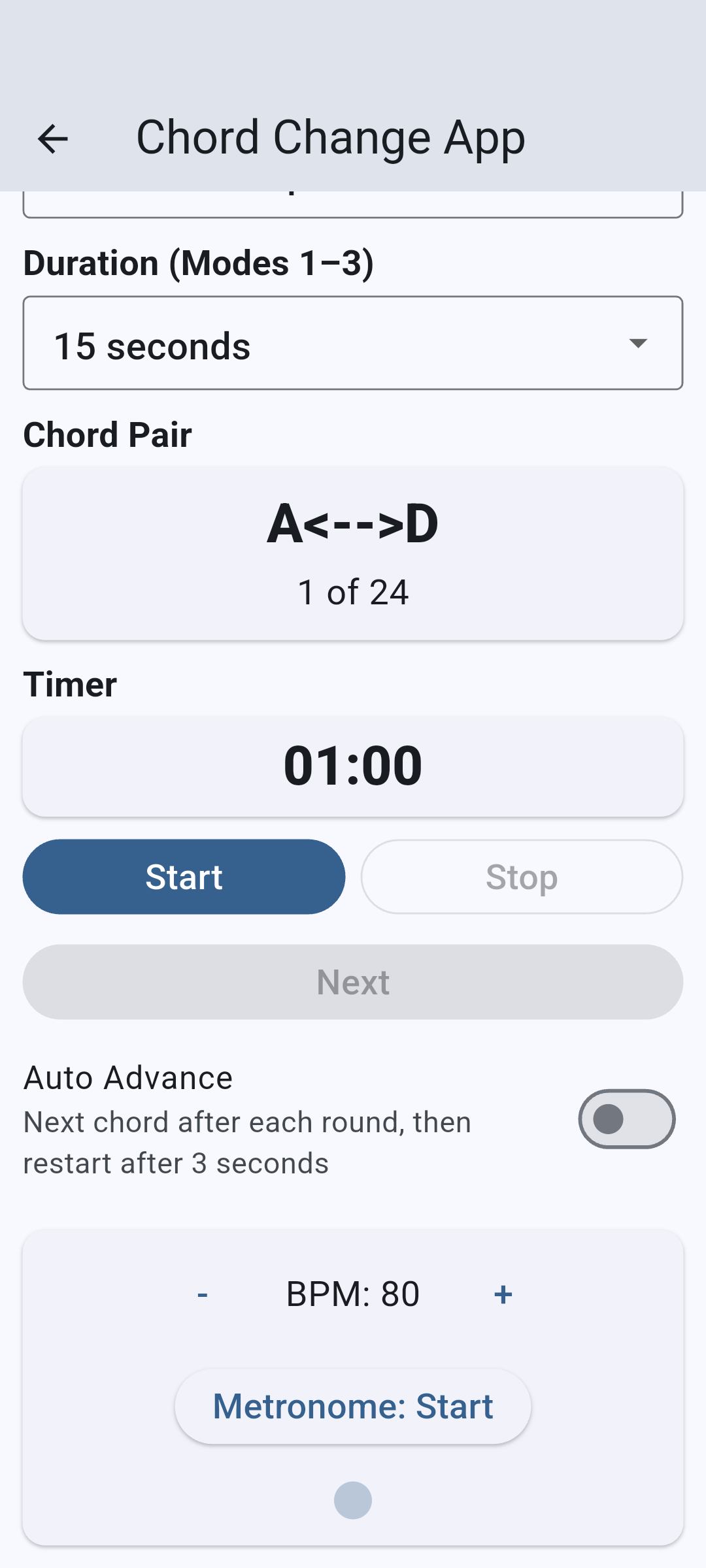
If you are still learning how TAB relates to strings and frets, begin with the Fretboard Note & TAB Trainer. When fretboard note recognition becomes more comfortable, continue to the Chord Change Trainer to apply structured repetition to chord transitions.