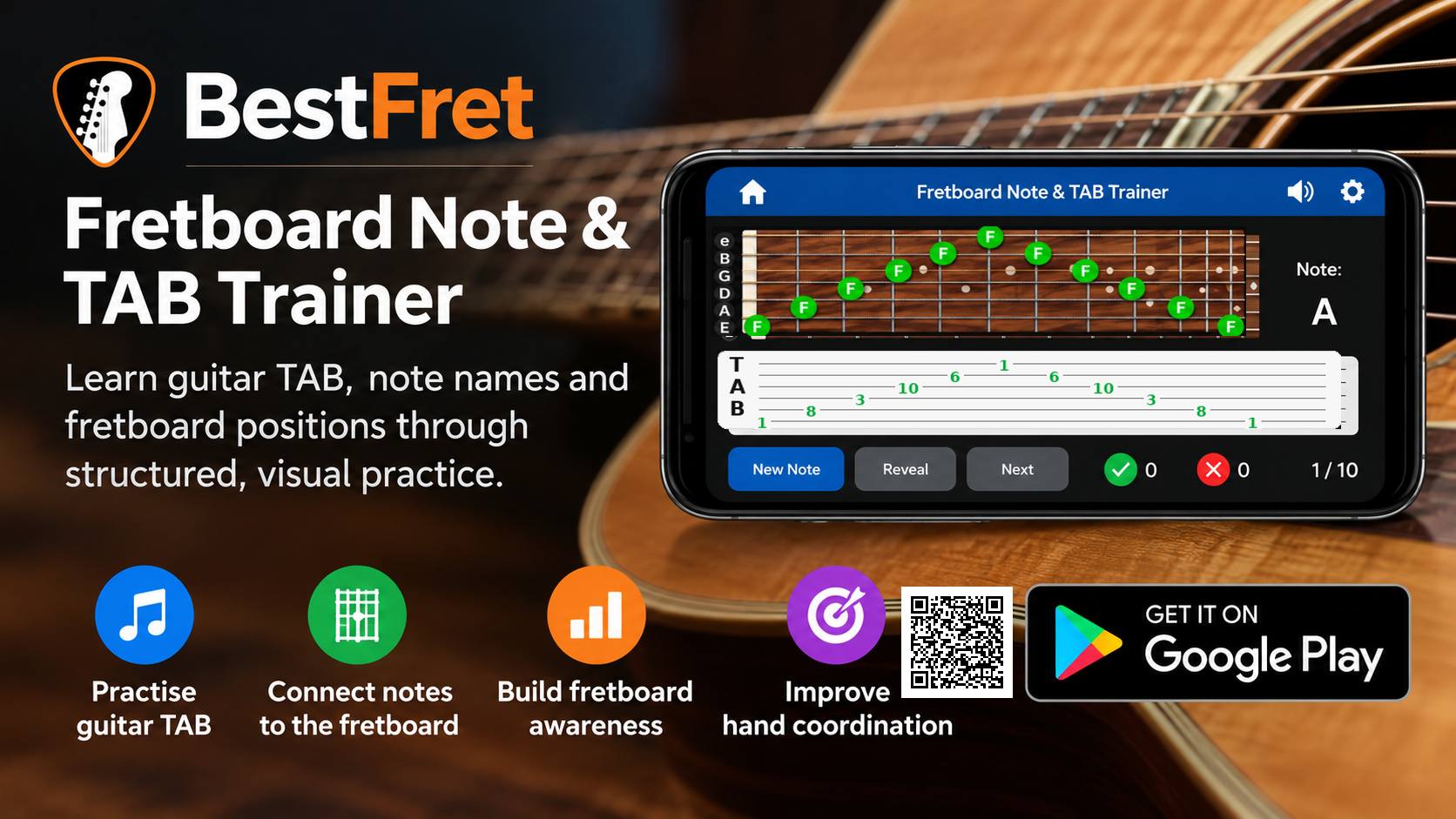
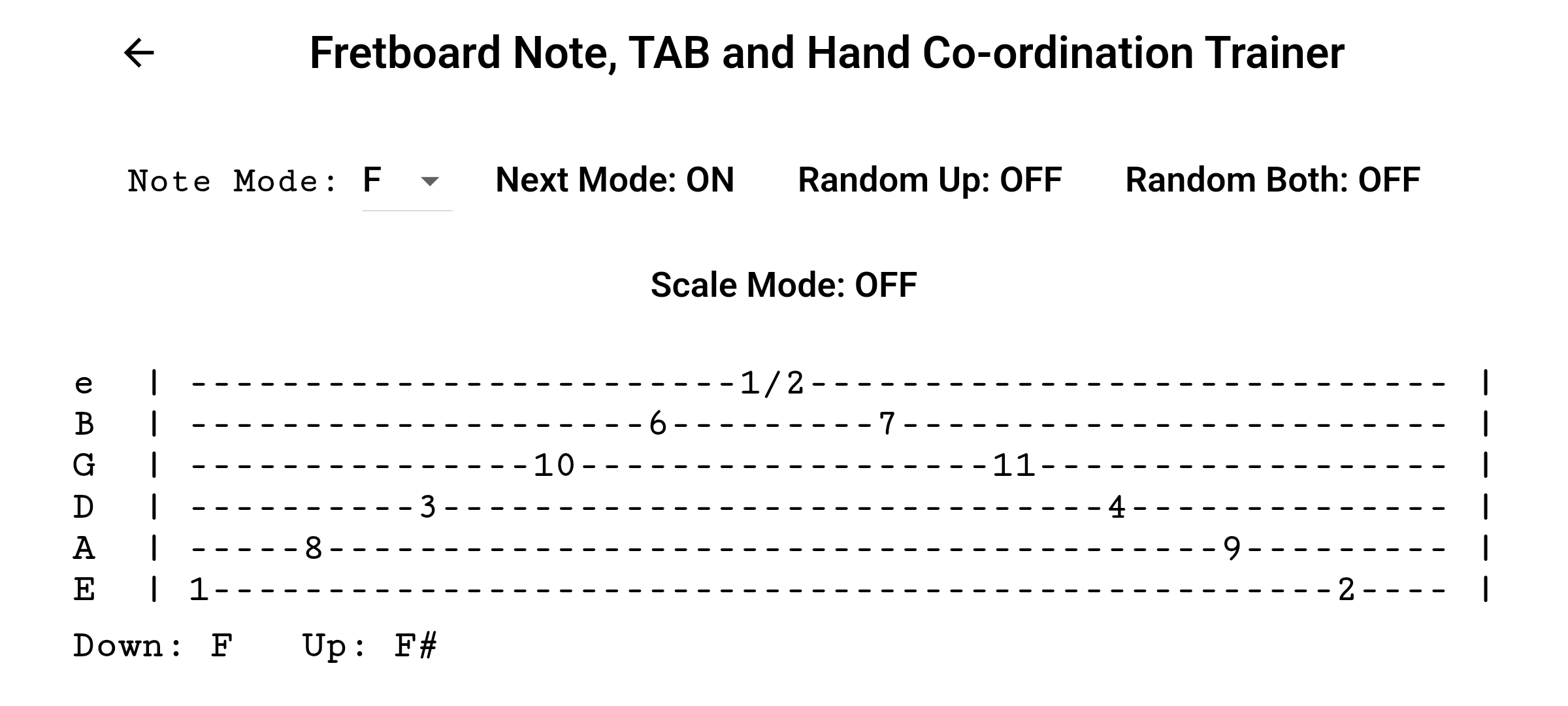
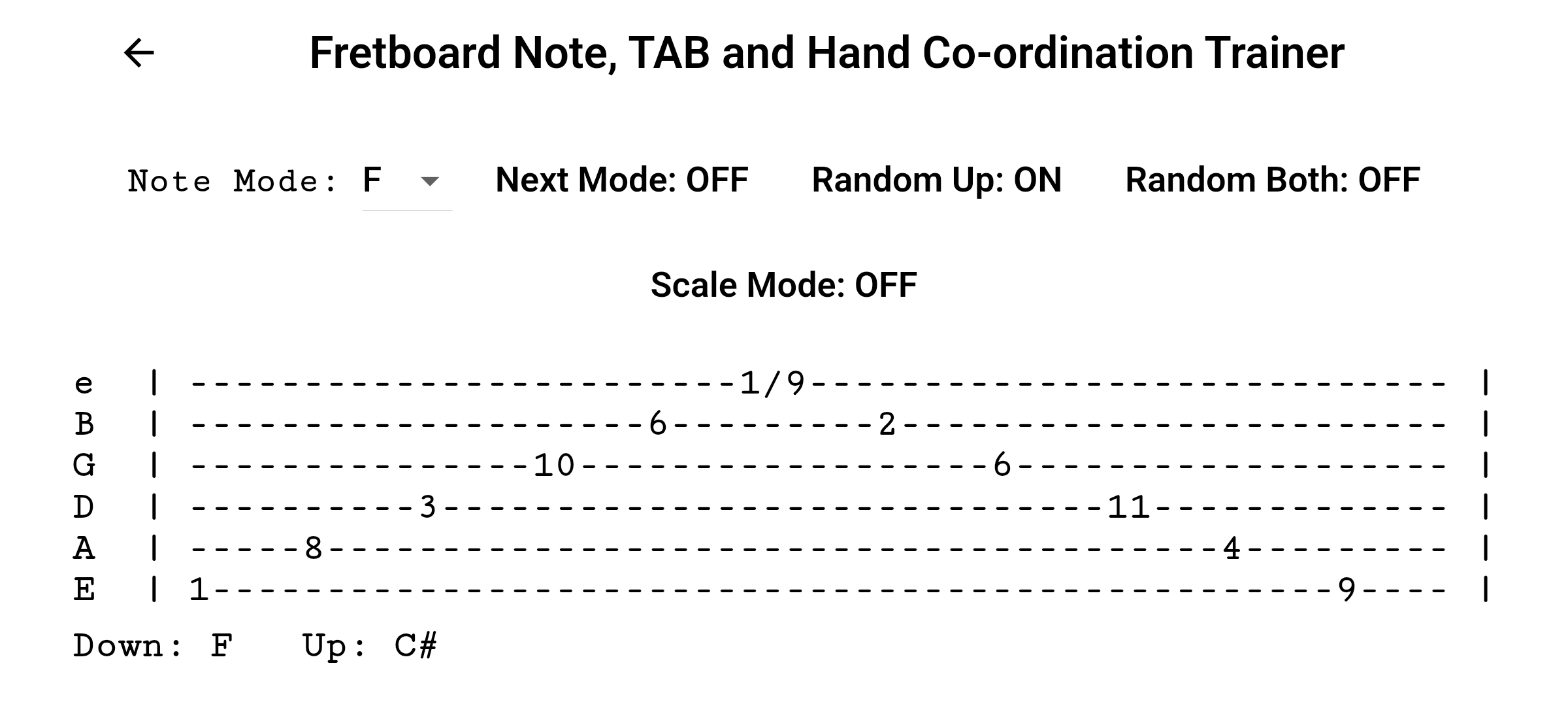
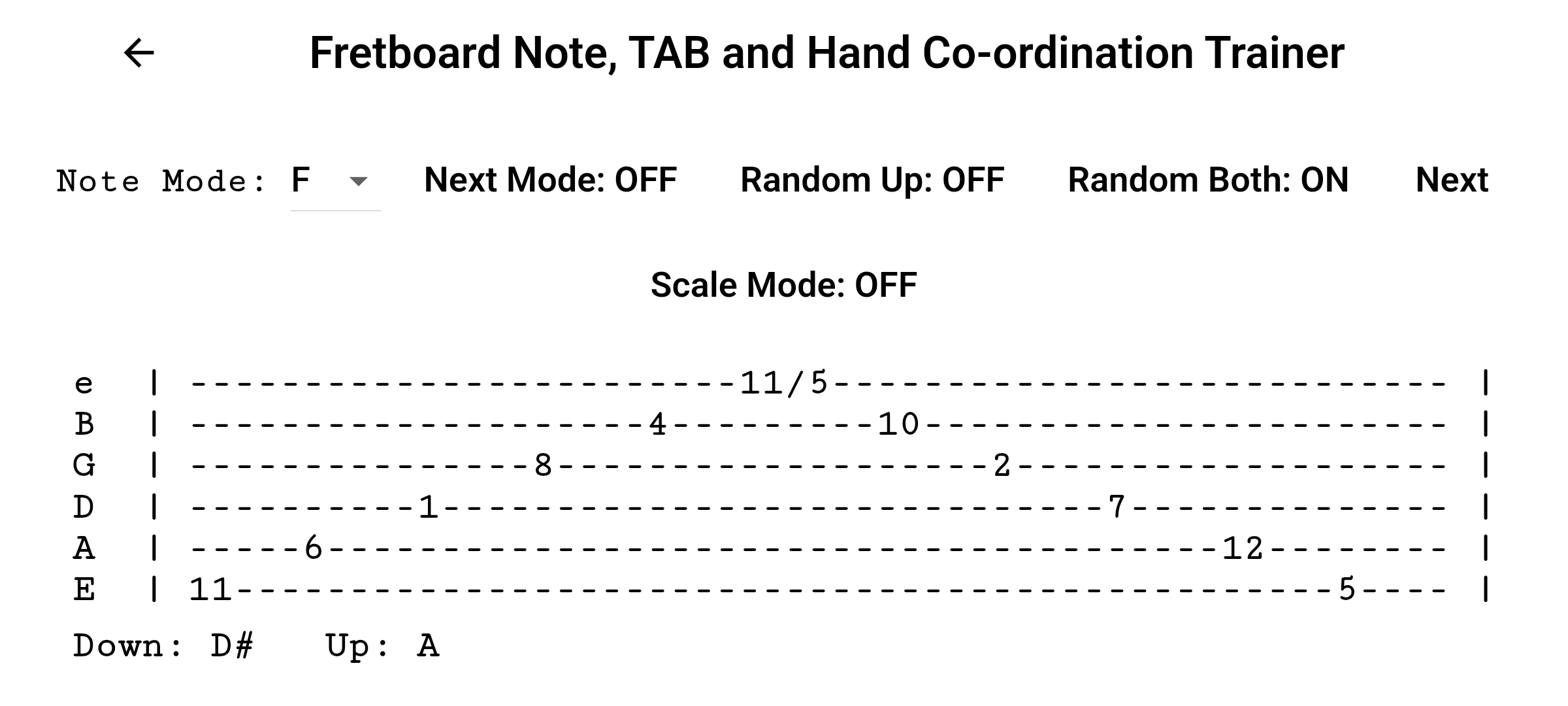
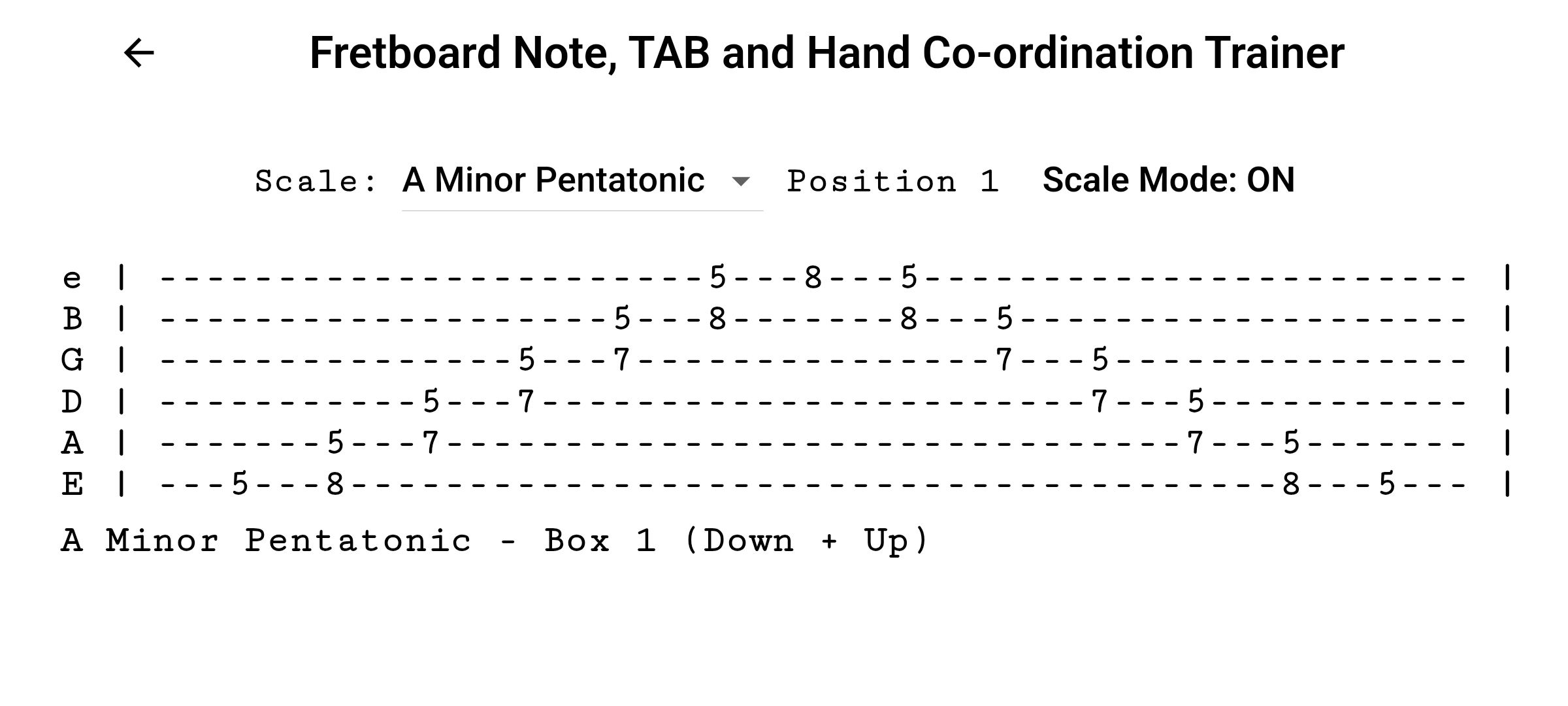
What this app helps you practise
- Reading guitar TAB more confidently
- Connecting note names to fretboard positions
- Improving hand coordination through practical exercises
- Building stronger visual understanding of the fretboard
How it works
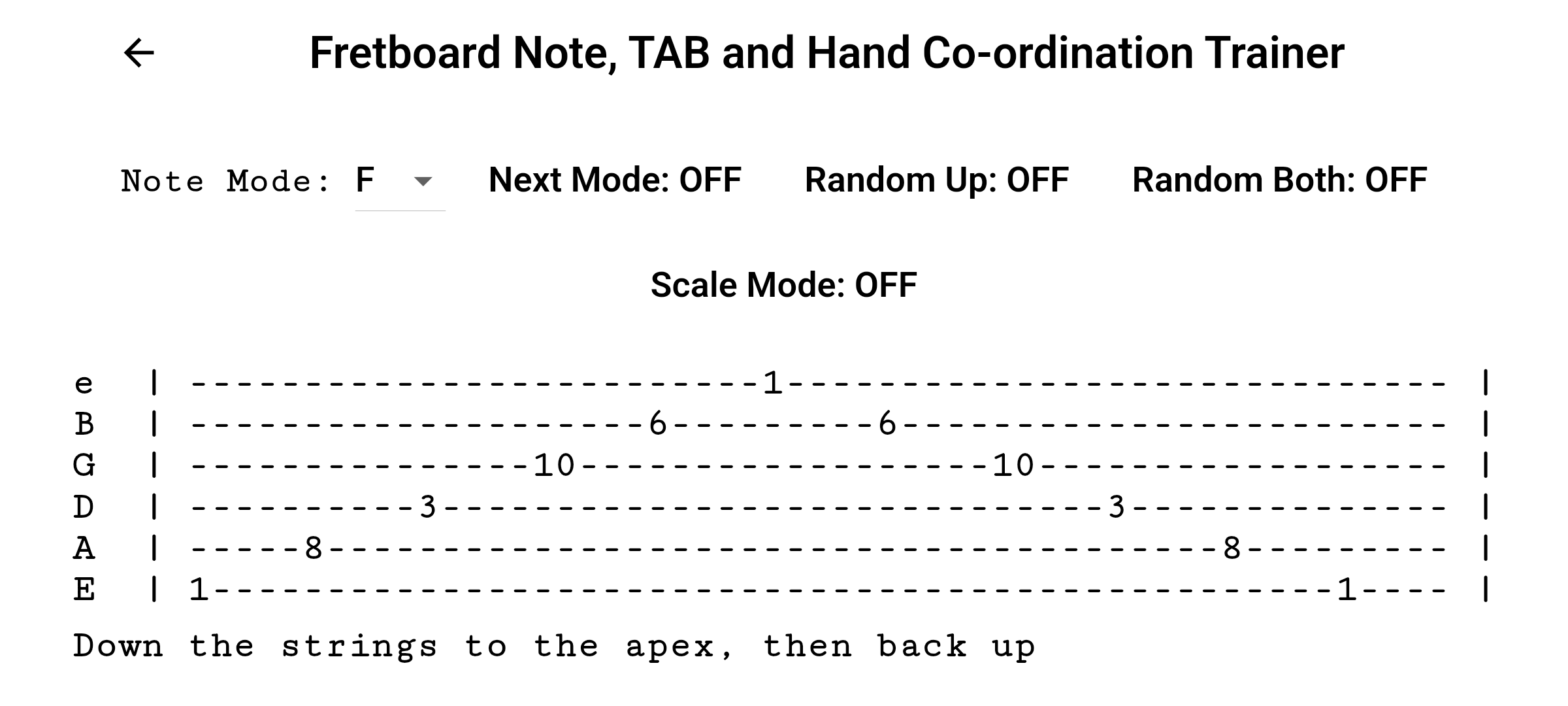
- Use TAB-based diagrams to guide note practice
- Match visual note positions with fretboard locations
- Reinforce note recognition through repeated drills
- Develop coordination and familiarity through regular use
Key features
- Combines note learning with TAB-based practice
- Simple, visual, and structured layout
- Designed for repeatable daily use
- Supports practical fretboard learning and cleaner playing
Who it is for
- Beginners learning notes and TAB together
- Players wanting stronger fretboard awareness
- Anyone looking for a practical bridge between reading and playing
How to practise guitar TAB and fretboard notes
Guitar TAB tells you where to play, but stronger fretboard knowledge helps you understand what you are playing. Regular practice that connects TAB numbers with strings, frets and note names can make reading easier and improve confidence when moving around the neck. Short, repeated exercises are designed to build recognition without requiring long practice sessions.
BestFret learning path
This is the recommended starting point in the BestFret sequence. Once TAB, string and fret positions feel familiar, move to the Fretboard Note Trainer to develop faster note recall. After that, use the Chord Change Trainer to work on smoother chord transitions.